Sentence Structure Modal
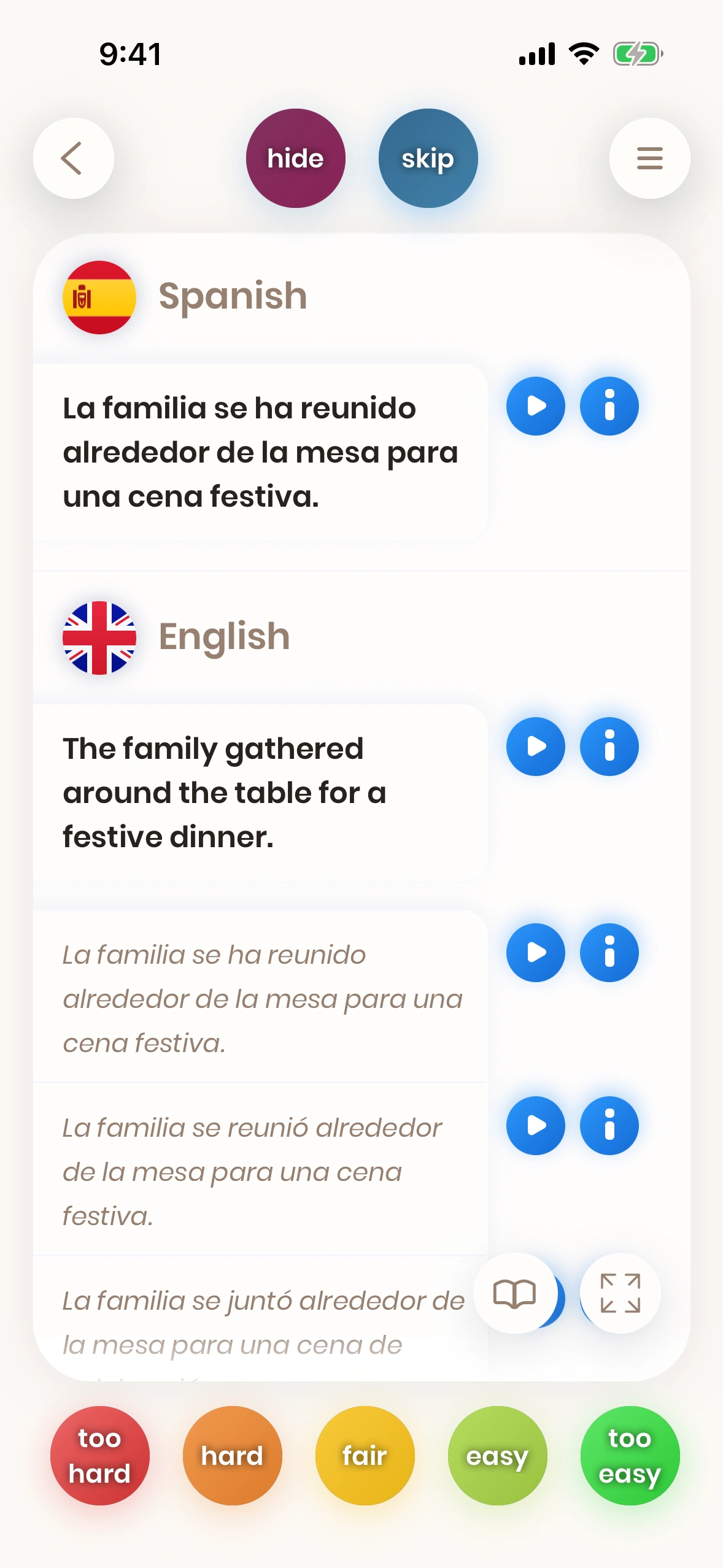
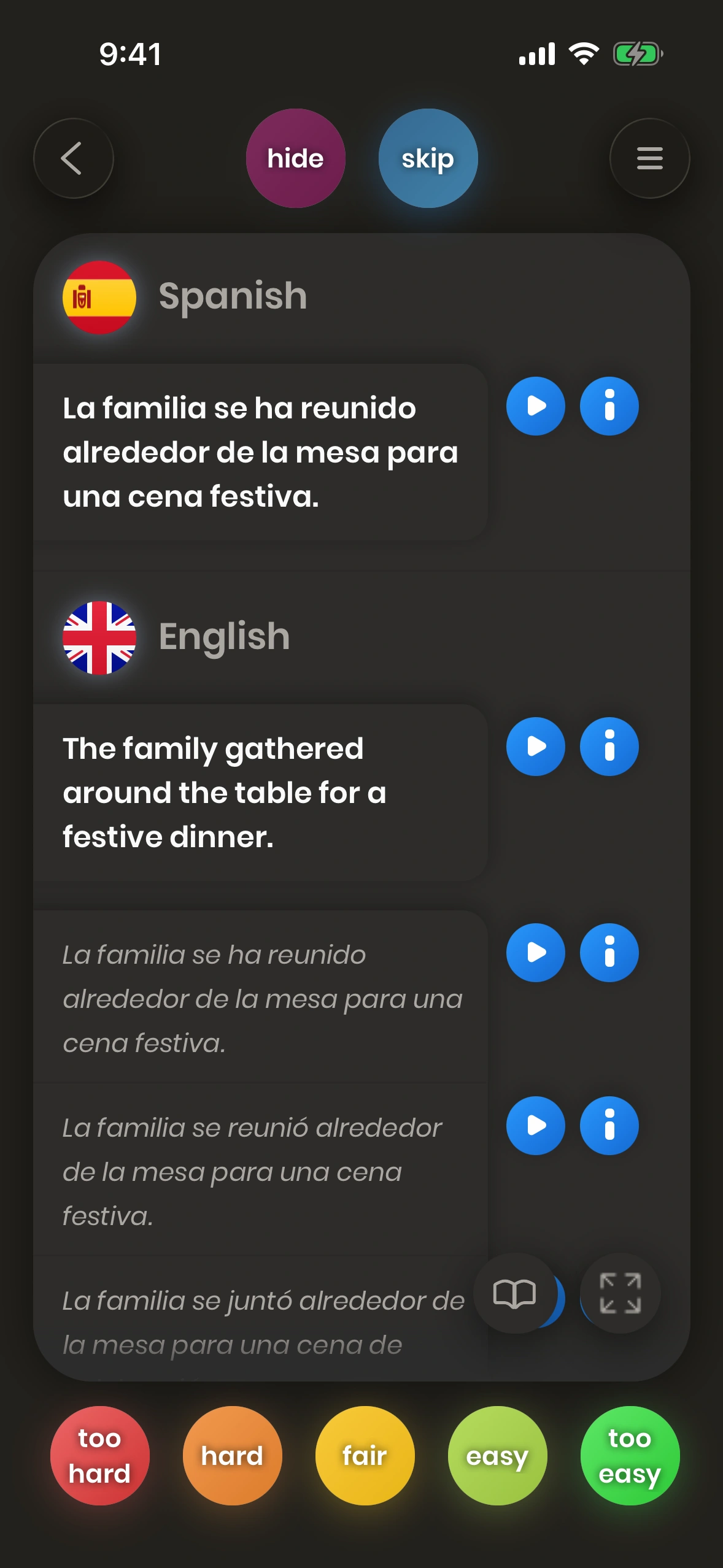
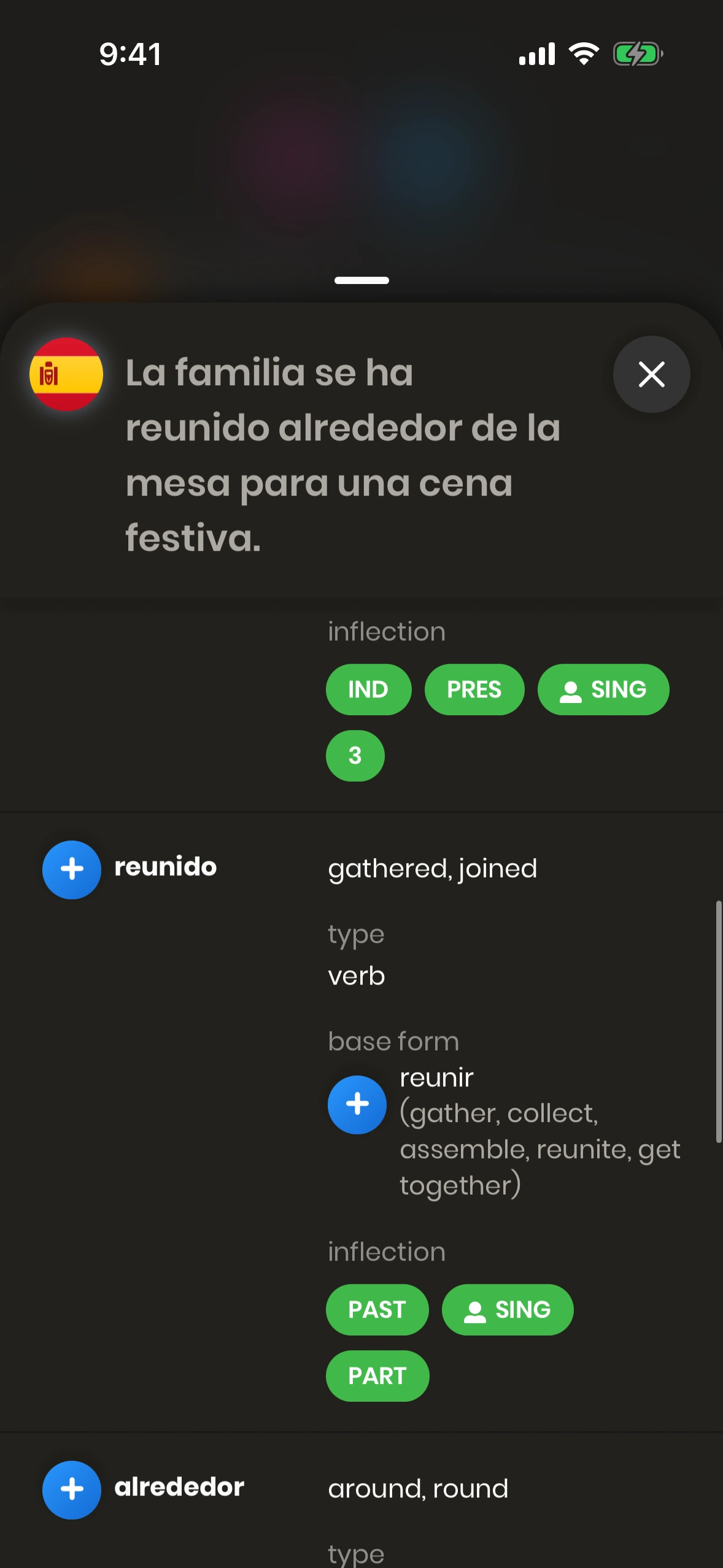
The Sentence Structure Modal will be shown if you press the (i) button on a sentence card, next to a sentence in Spanish.
1.
2.
3.
4.
5.
6.
7.
8.
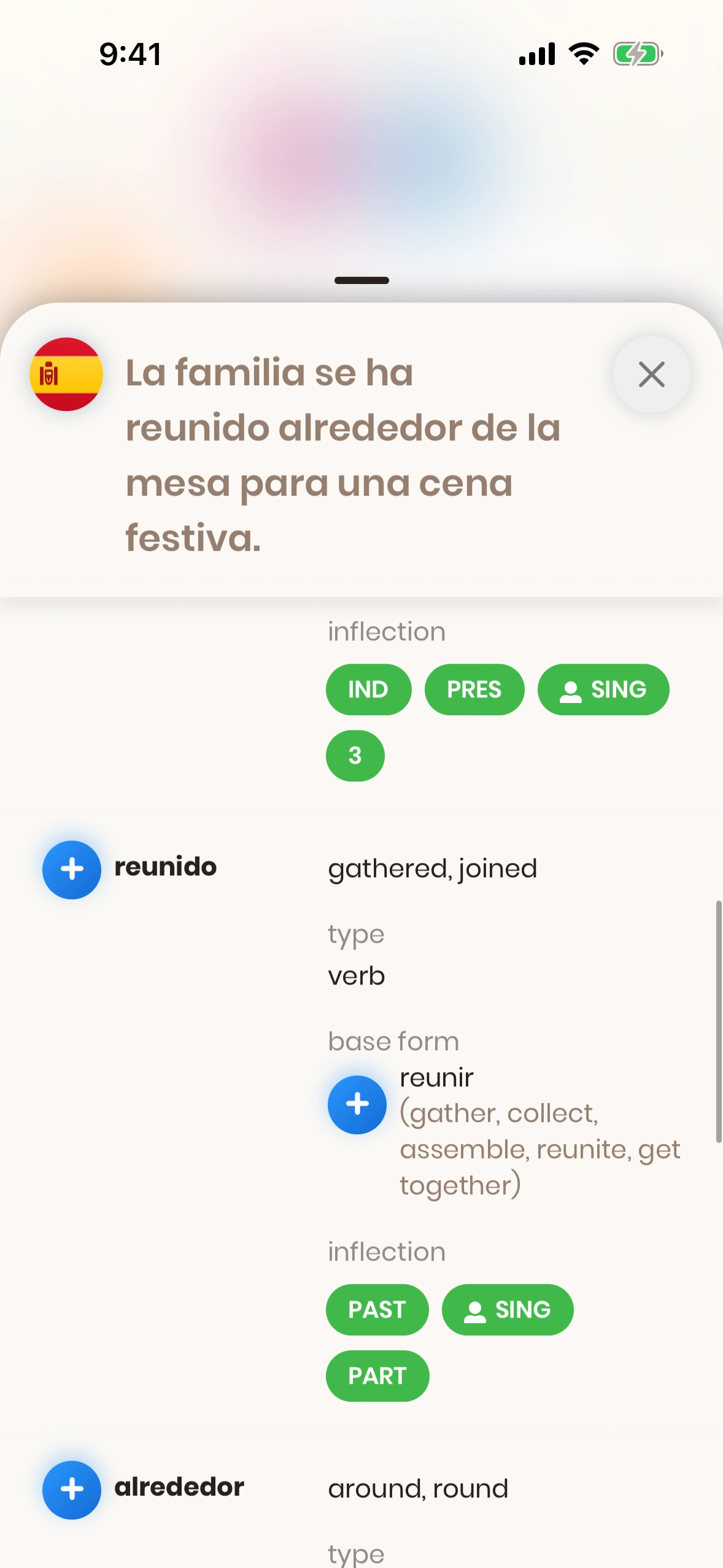
This modal shows the sentence structure by displaying each individual word of the sentence, together with information about this word:
- Sentence: The sentence this modal is about.
- Close Button: This button dismisses the modal.
- Individual Word: A scrollable list of the words in the sentence, as shown in the screenshot.
- Add Button: Besides the word, we have an Add Button, which offers various information about this particular word (word card, Thesaurus and translations, as well as verb conjugations).
- Word Translations: The direct translations of the word.
- Word Type: The type of the word (Part-Of-Speech), see below.
- Base Form: For inflected words, we show the base form together with translations.
- Inflection Type: For inflected words, we also show the type of the inflection.
9.
10.
11.
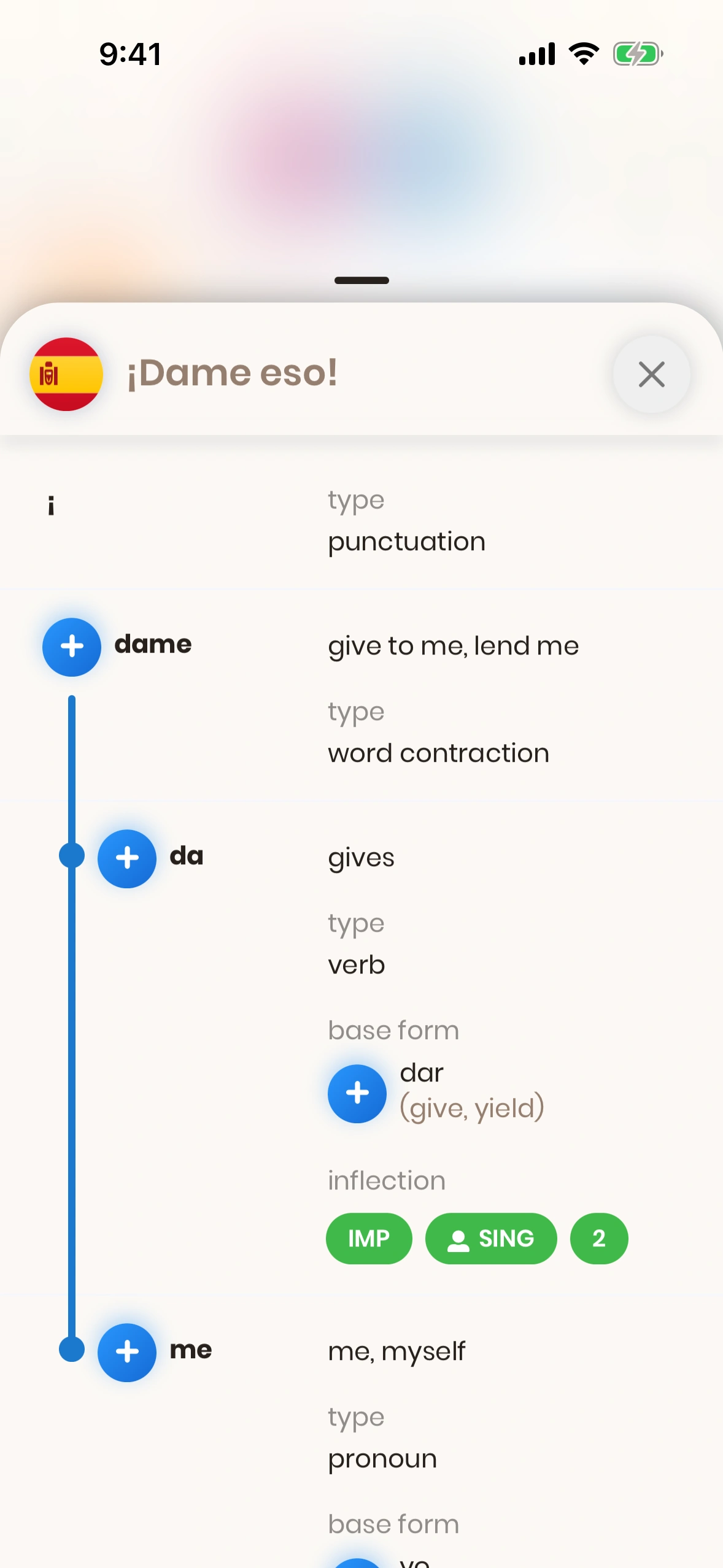
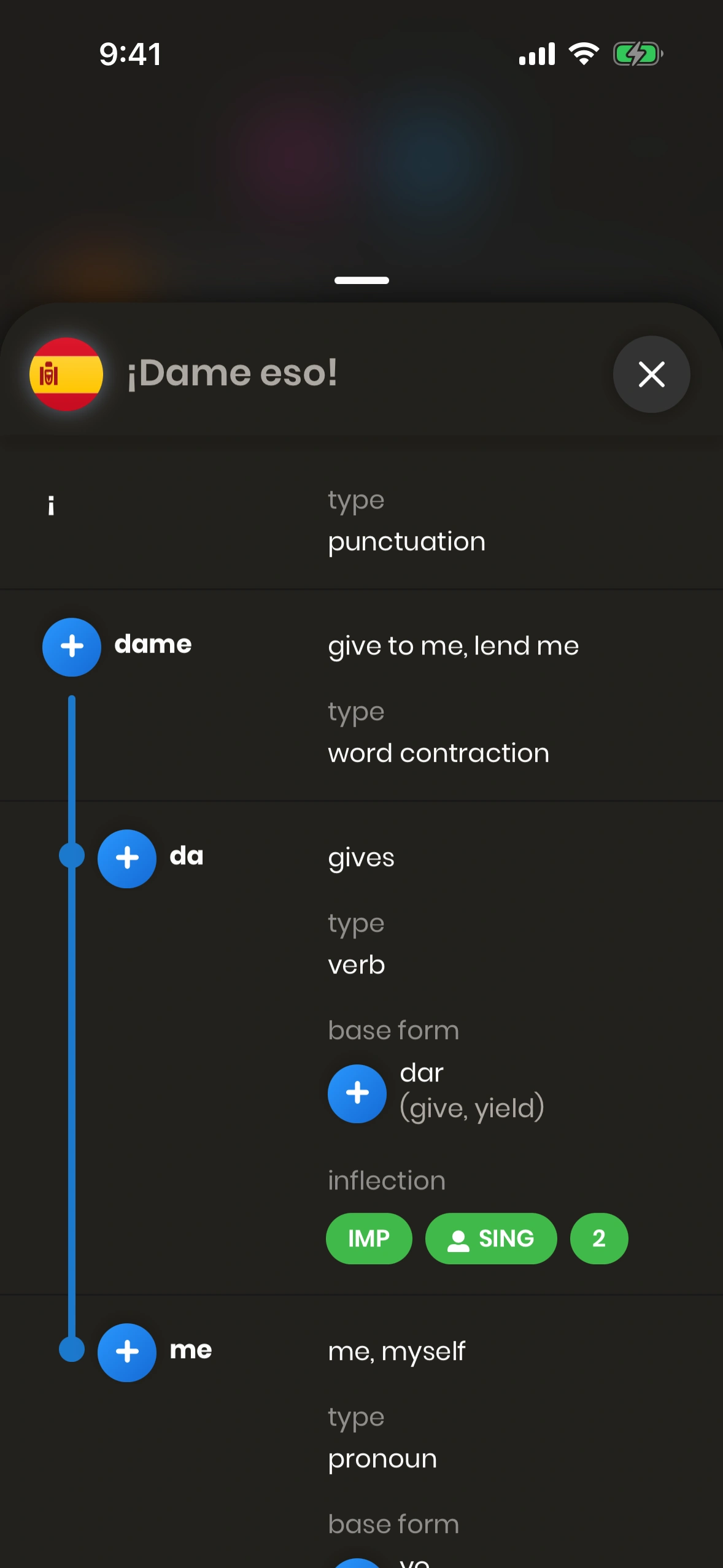
For composita (concatenated words), we show how the word is made up from individual words:
- Composited Word: The highlighted word is a composited word.
- First Word Part: The first part of the composited word, shown with its base form and meaning.
- Second Word Part: The second part of the composited word, shown with its meaning.
Together, these parts reveal the full meaning of the composited word.